
Copy products across Shopify stores
Cloneify makes it effortless to copy products across multiple Shopify stores. Whether you're a dropshipper or a multi-store owner, streamline your workflow and grow faster with our powerful tool.
Start copying products — free
Free to install. No credit card required.
Why copy products?
- Save hours: No need to manually recreate listings across stores.
- Ensure accuracy: Avoid errors, mismatches, and inconsistent product data.
- Scale faster: Quickly test products or expand your store catalog.
How Cloneify simplifies product copying
Copy products from Amazon to Shopify in one click.
Transfer products between your Shopify stores easily.
Bulk import multiple products simultaneously.
Customize product details before importing.
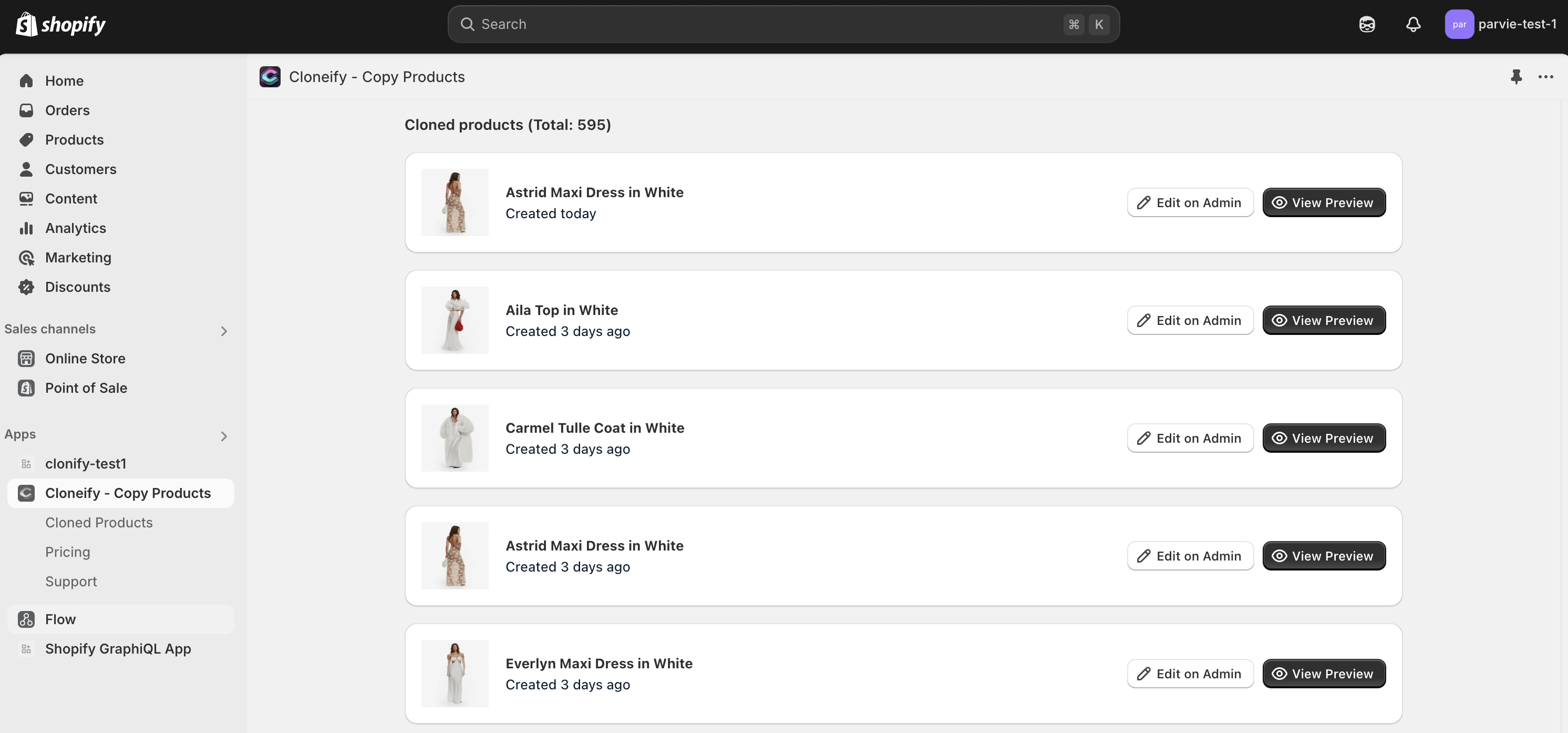
Watch Cloneify in action
Step-by-step guide to copy products
- 01 Install the Cloneify app from the Shopify App Store.
- 02 Connect your source and target stores.
- 03 Select the products you want to copy.
- 04 Customize titles, descriptions, images, and variants (optional).
- 05 Click Copy Now — done!
Manual vs Cloneify
| Feature | Manual copying | Cloneify |
|---|---|---|
| Time required | Several hours | Minutes |
| Error rate | High | Low |
| Bulk copy | No | Yes |
| Customization | Manual edits needed | Built-in customization options |
Frequently asked questions
How many products can I copy at once?
Cloneify allows bulk copying of hundreds of products in one go, saving you hours of manual work.
Does Cloneify copy product images & variants?
Yes, it copies everything — titles, descriptions, images, variants, pricing, and more.
Is there a limit on the number of stores I can connect?
No, you can connect unlimited Shopify stores under your account.
Can I customize product details before importing?
Absolutely! You can edit titles, descriptions, images, and more before copying products.
Ready to copy products effortlessly?
Free to install. No credit card required.
Install Cloneify — it's free